Manage users
With FinBoard, you can share access for the companies you have connected with your colleagues. To do that,
-
Go to the FinBoard web app (app.finboard.ai)
-
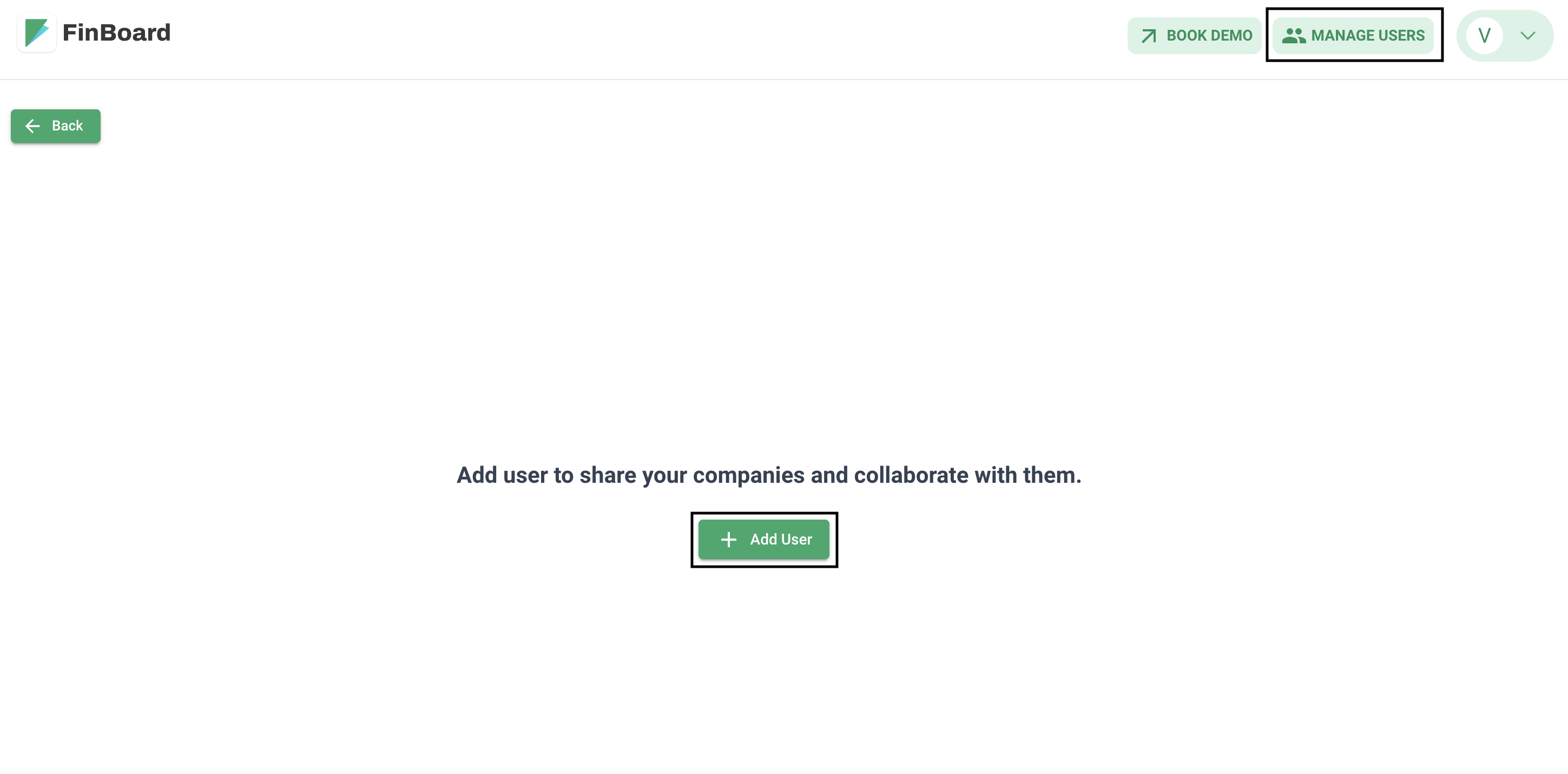
Click on the “Manage users” section
-
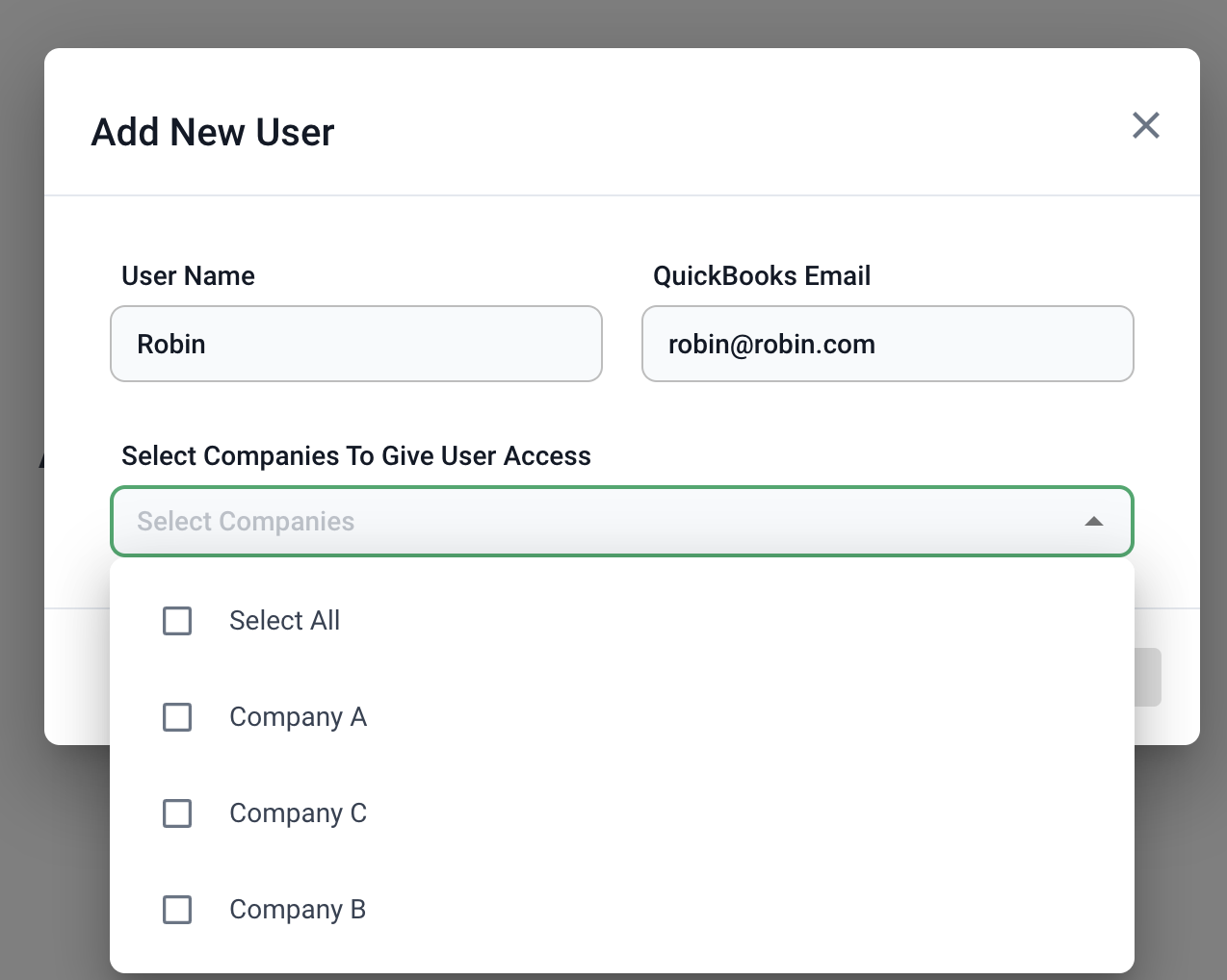
Fill-in the user details and select the companies you want to share access
-
An email would be sent to the user asking them to sign up and install plugin.
-
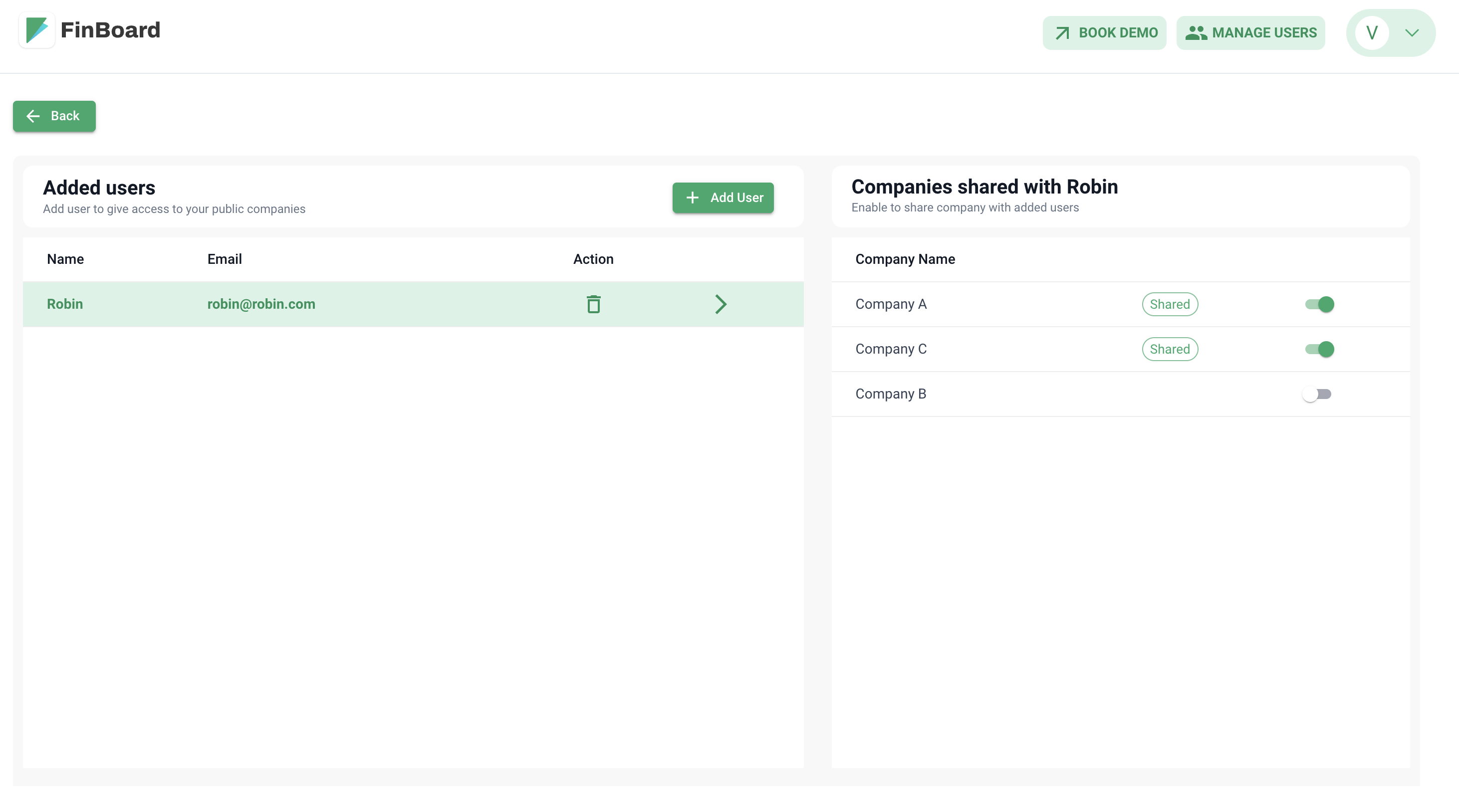
Once they sign up, they could see the shared companies and can work on them
Note: This doesn’t give them access to the spreadsheets. That access is controlled within each individual sheet and you need to share that using the default Google Sheets functionality